Ibrasal Invest — Agricultural Commodity Export Platform
A full-featured Laravel platform that connects Nigerian agricultural commodity producers with international buyers, uniting a multilingual public marketplace, a complete back-office suite, and farm-level crop, livestock, inventory and finance management in a single system.

Get This App
Download the guide, request this app for your business, or talk to us about a sale or customization.
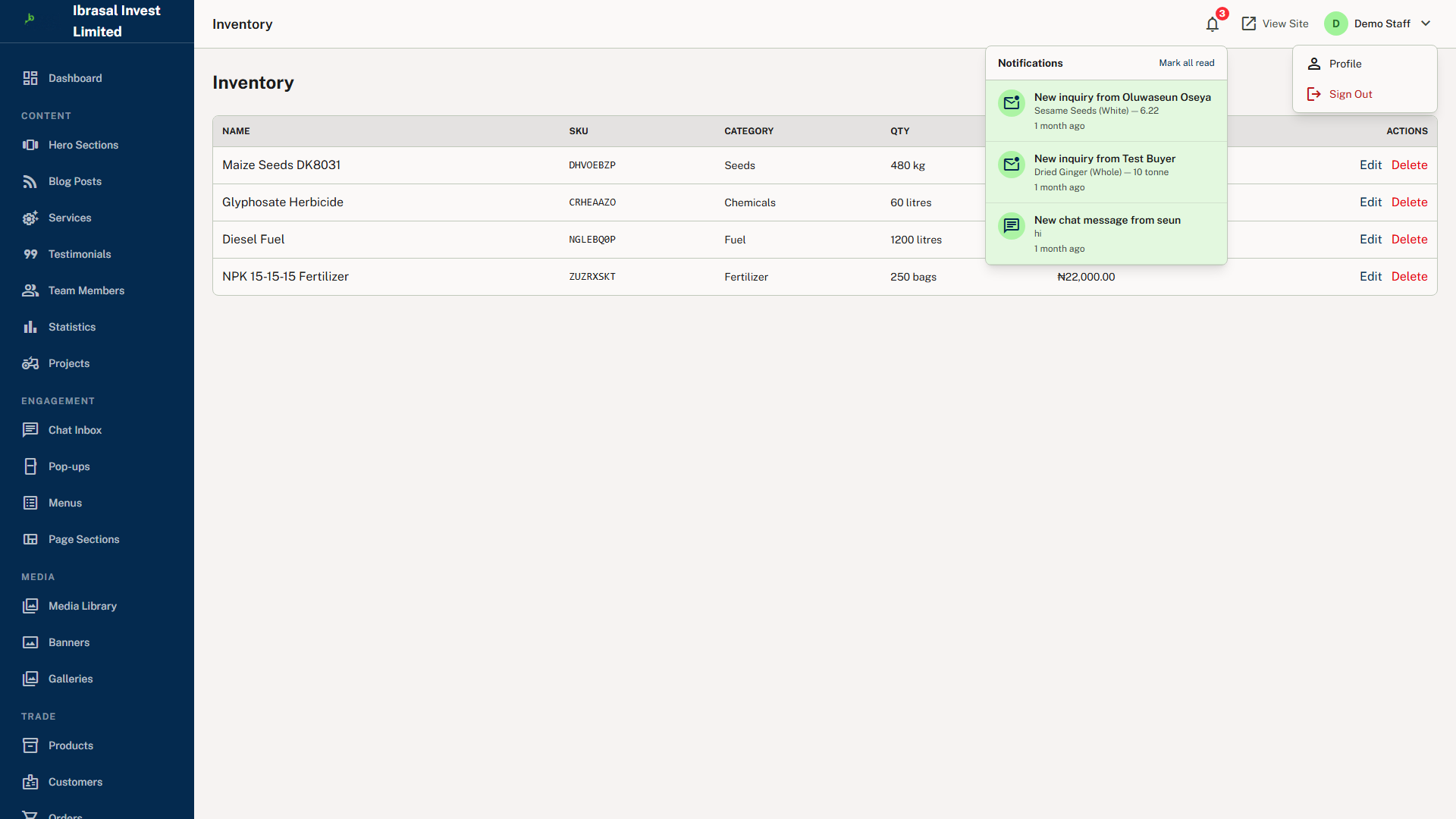
Multi-Platform Views


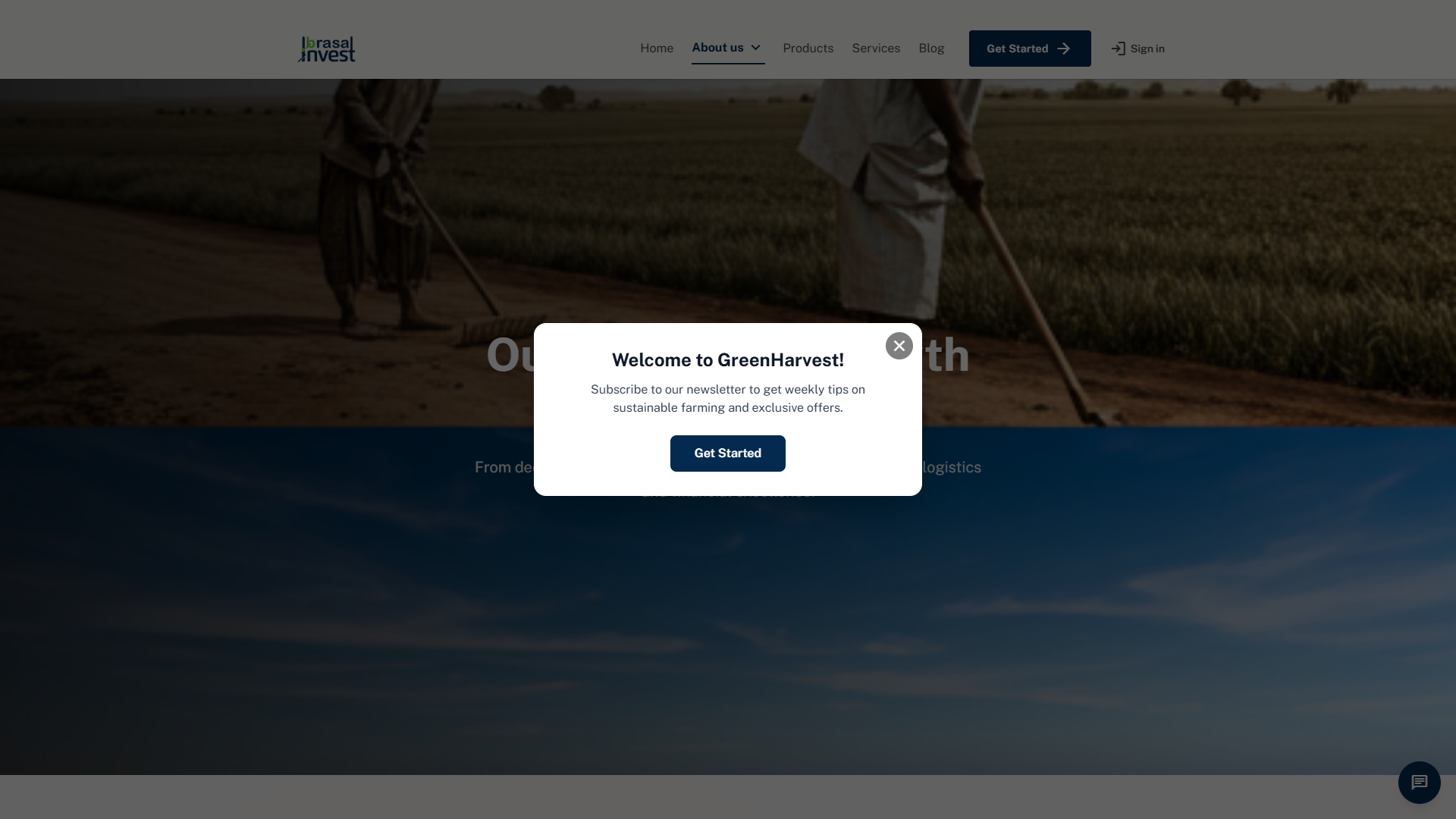
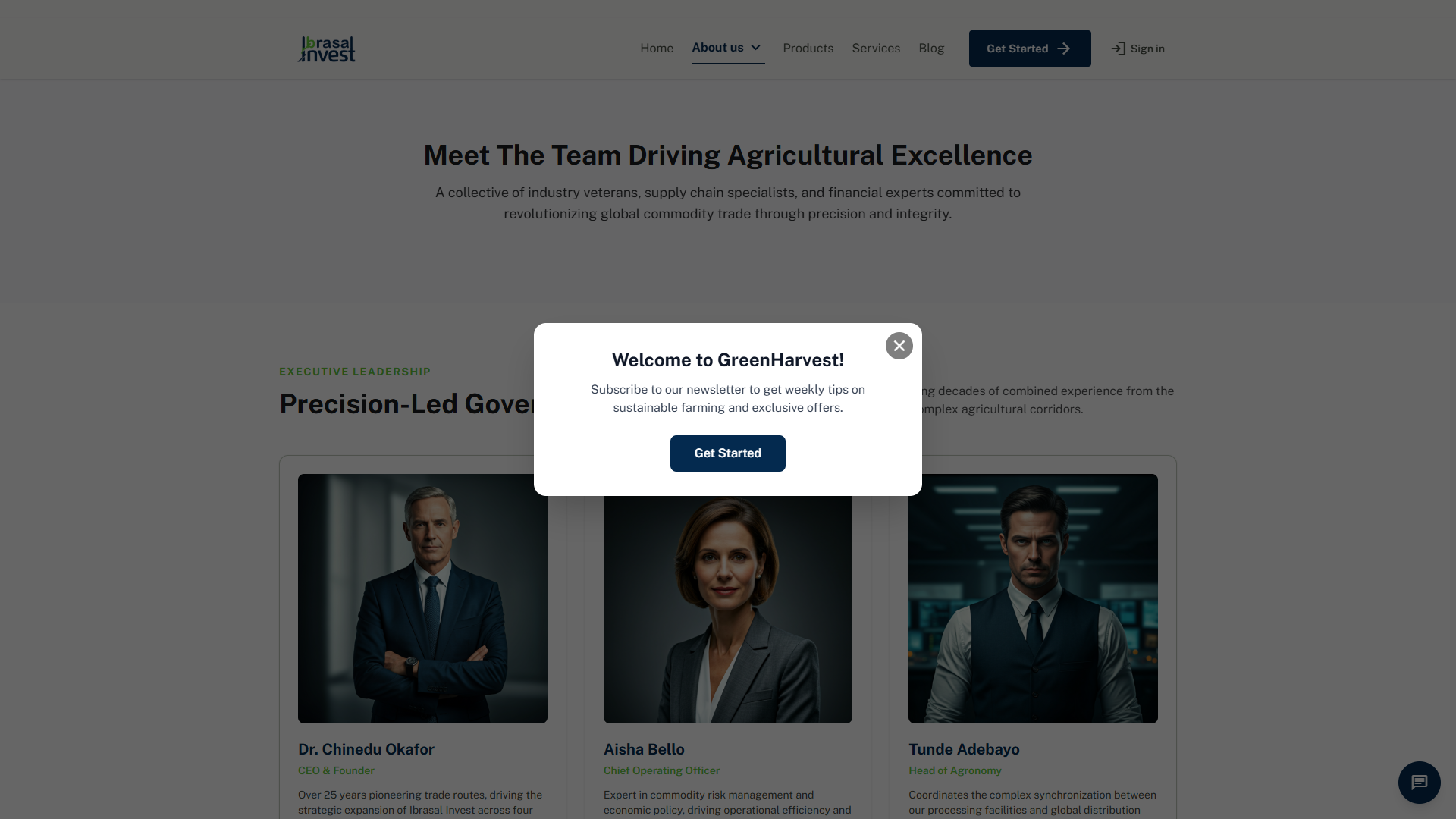

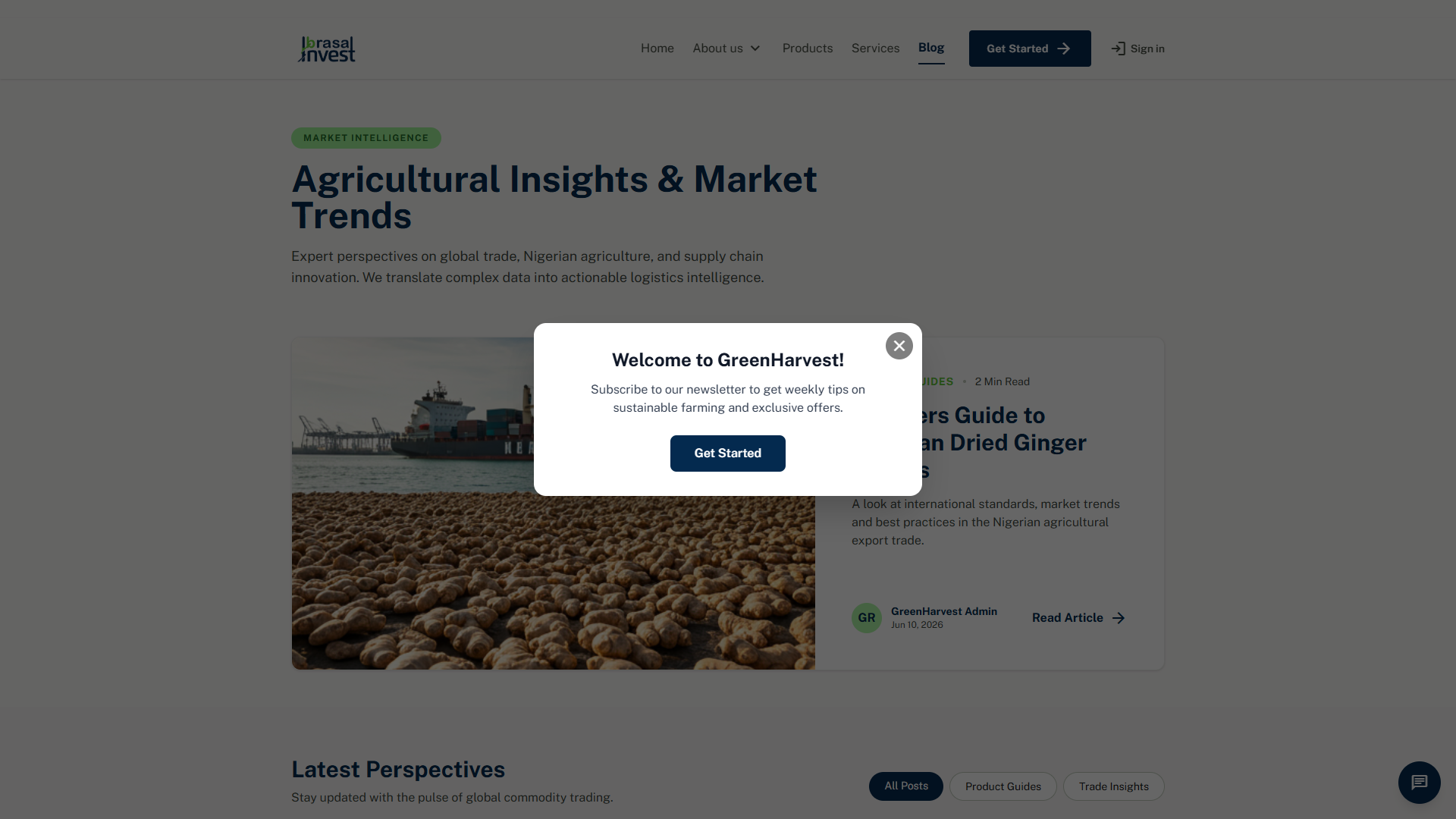
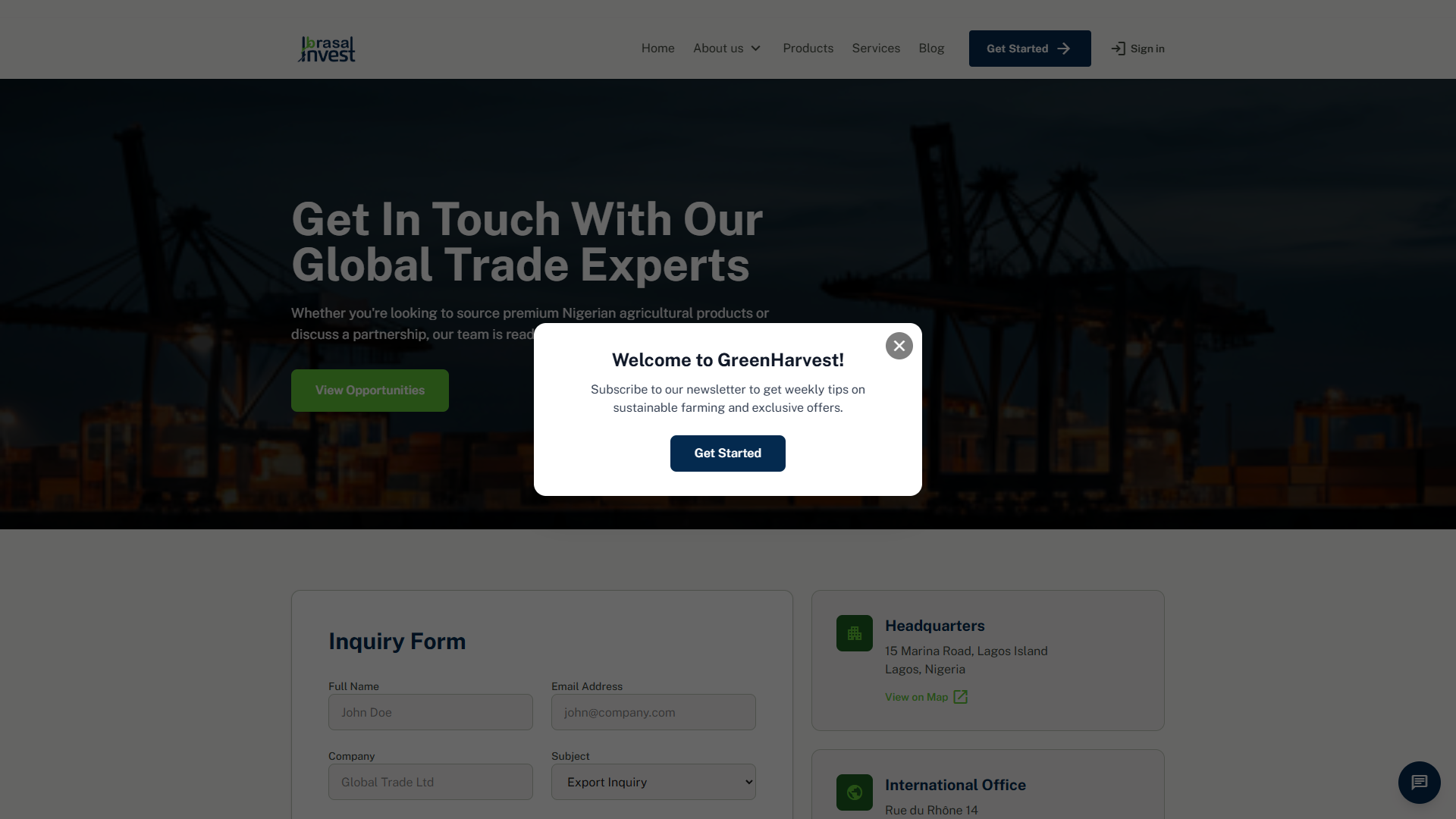






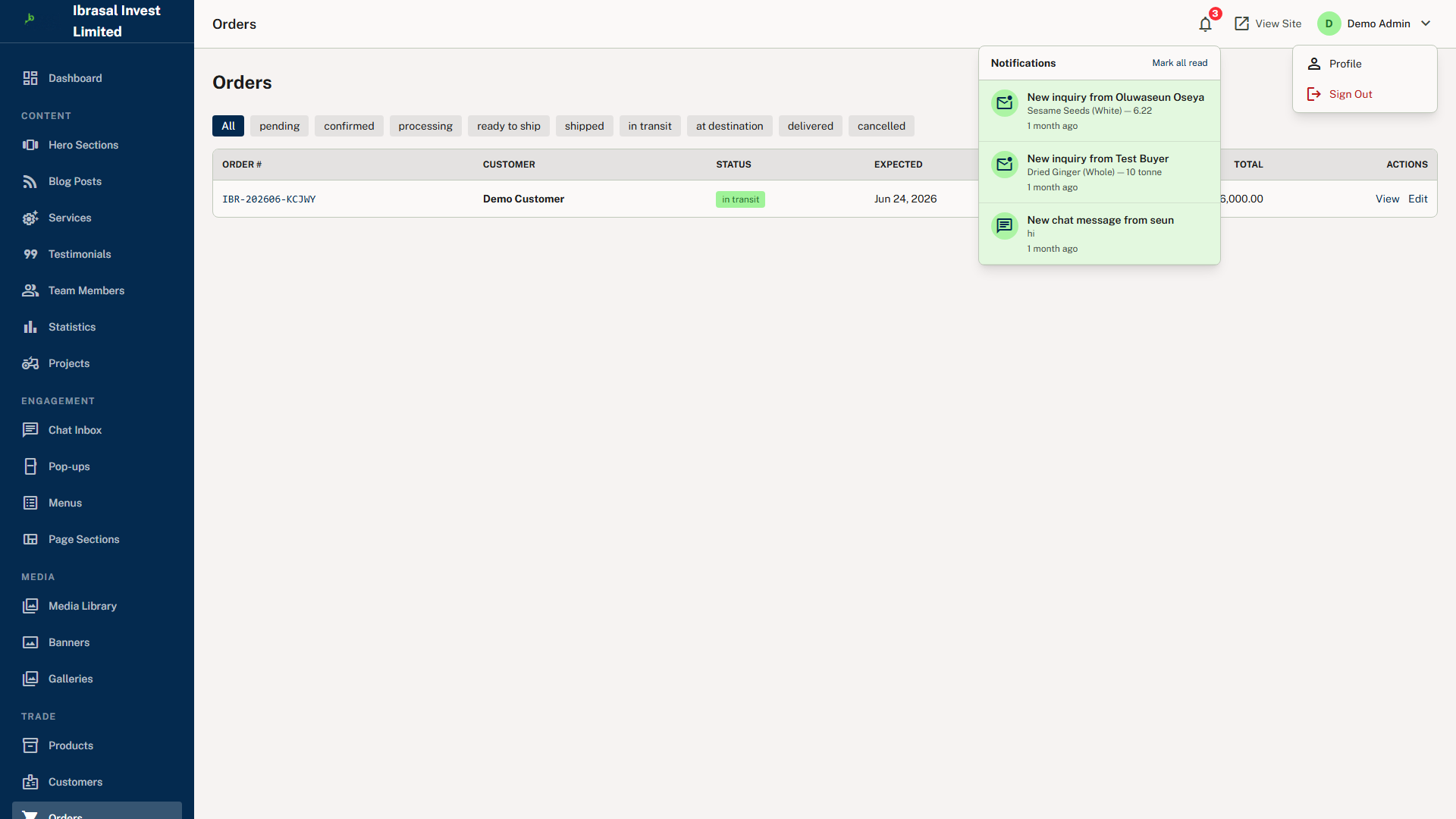
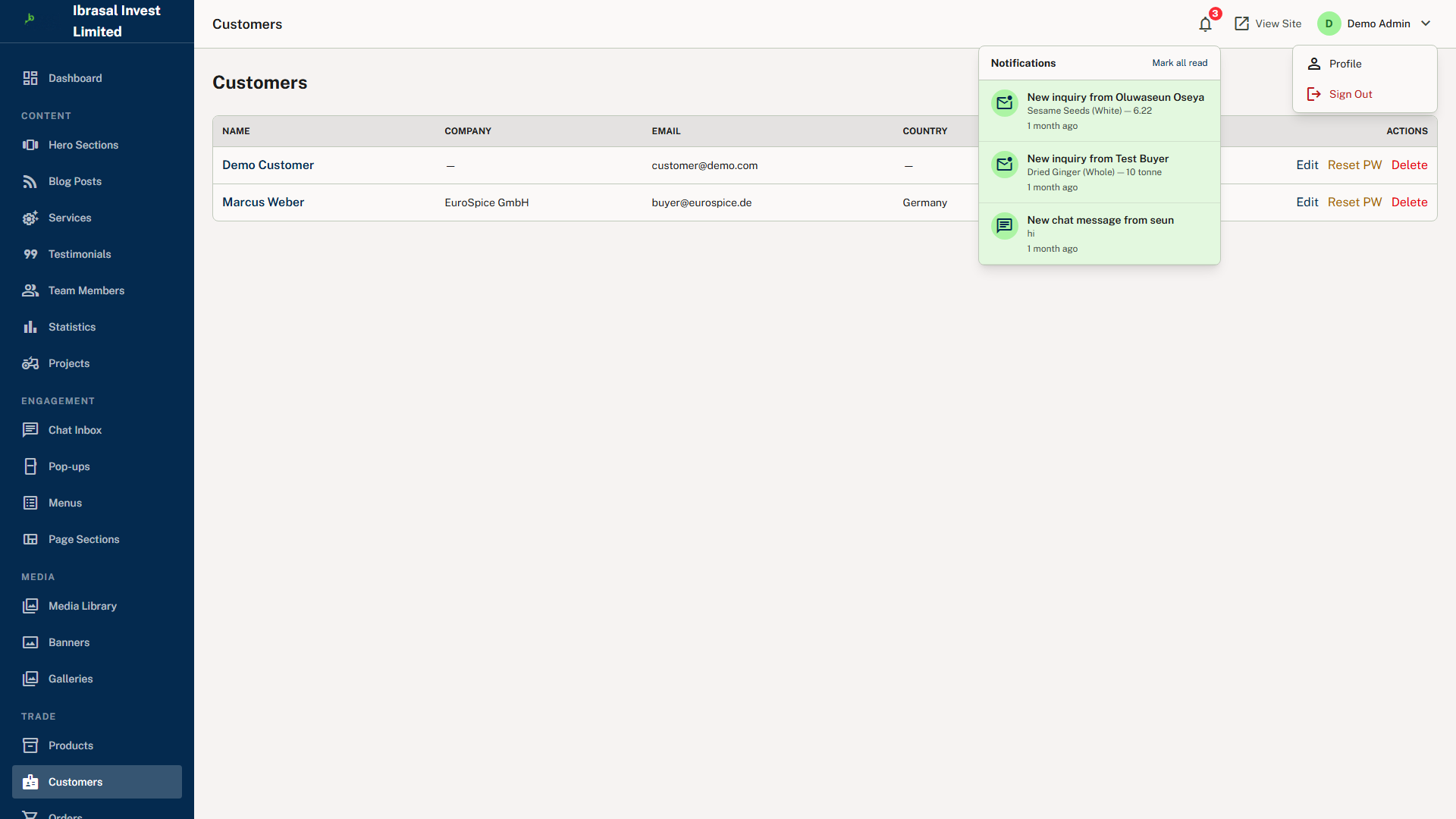
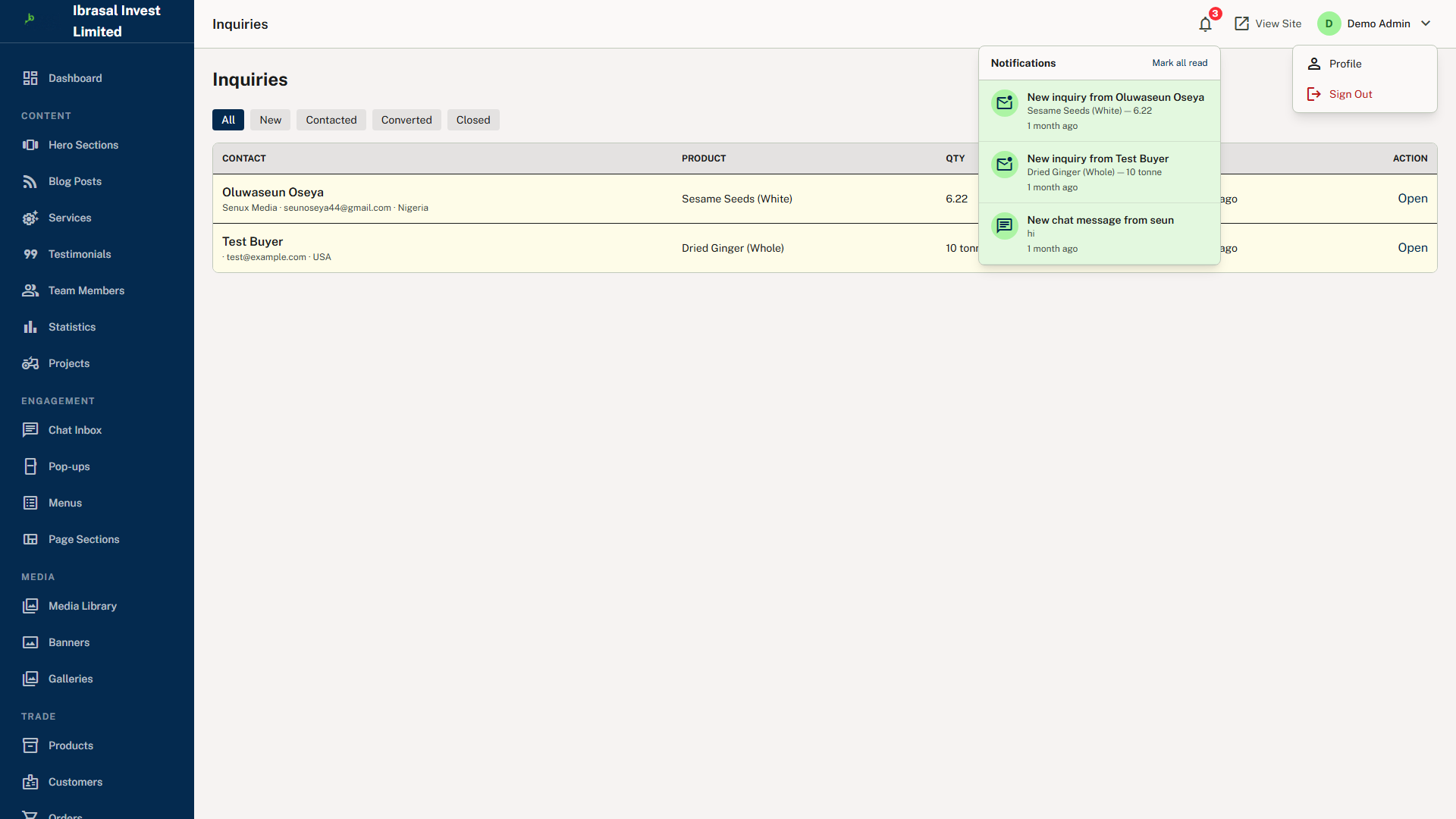


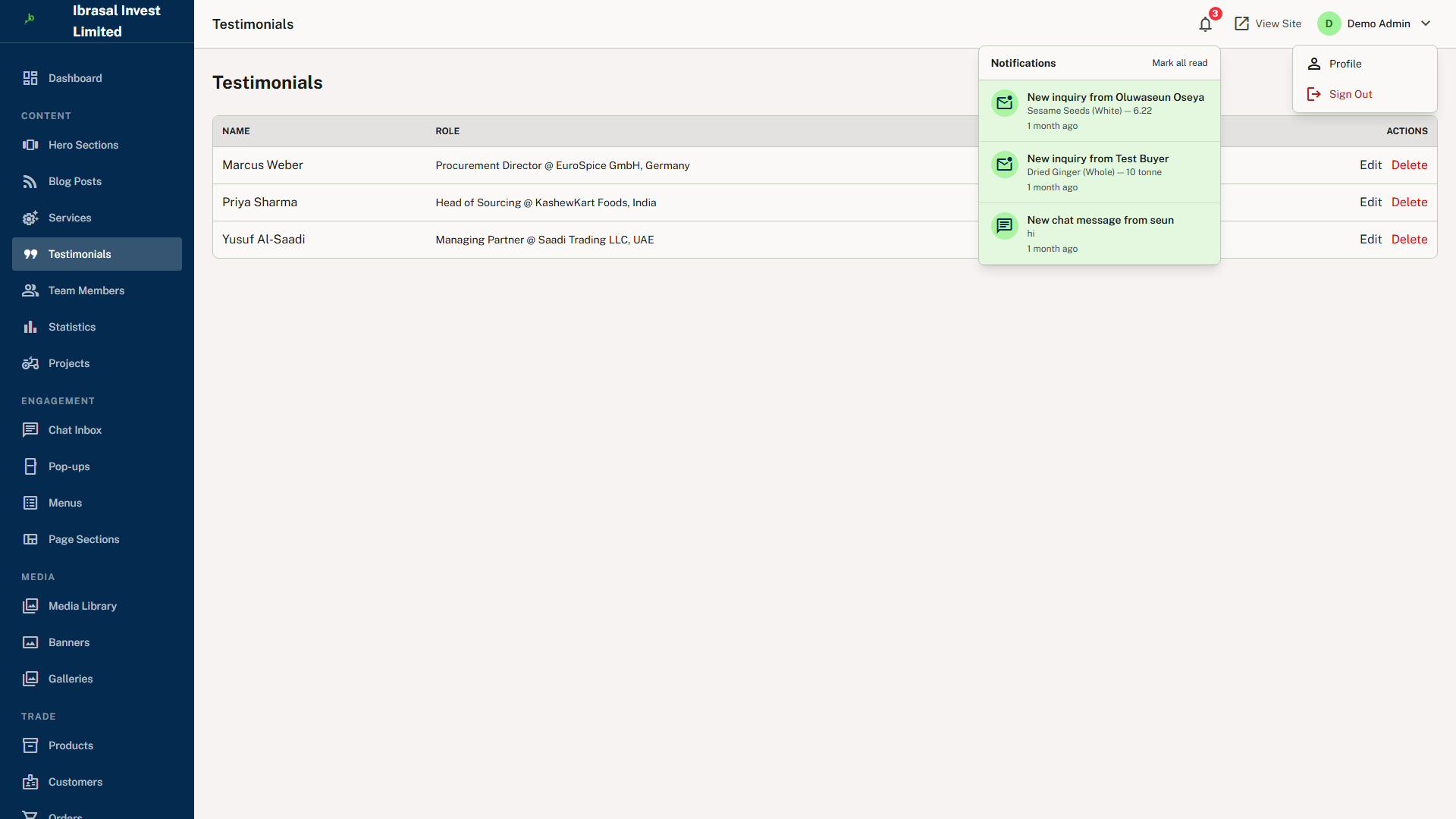
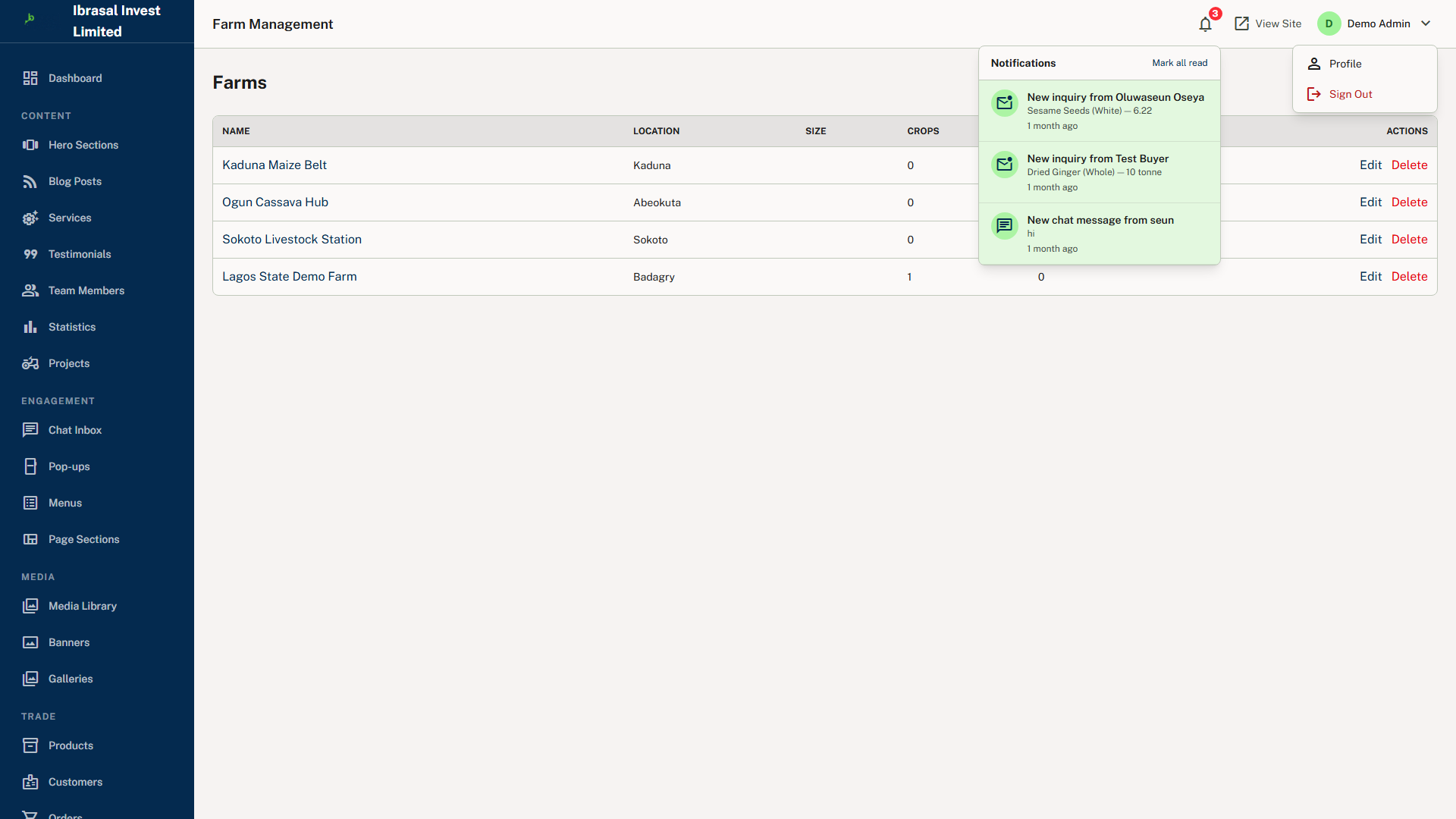

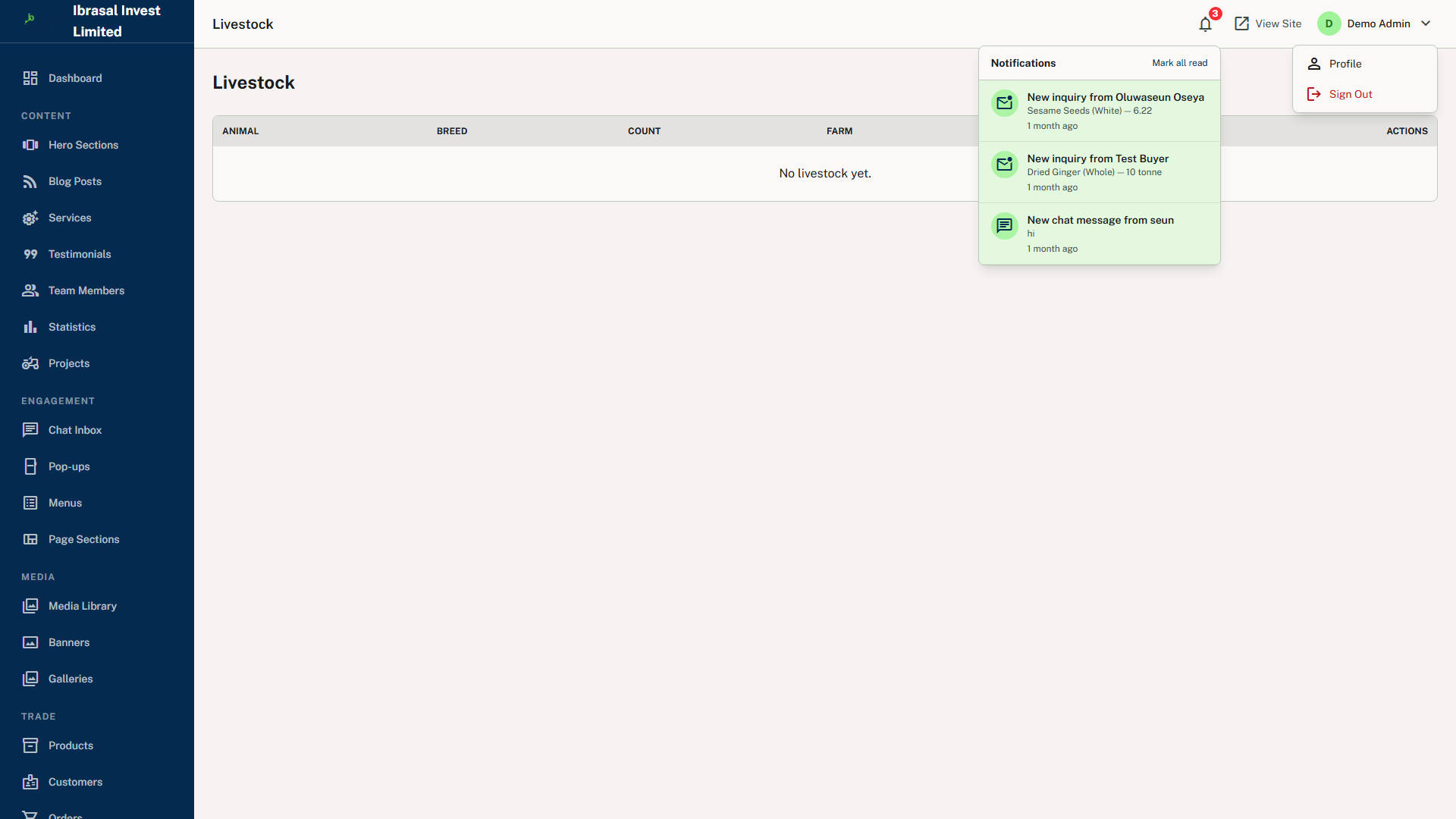


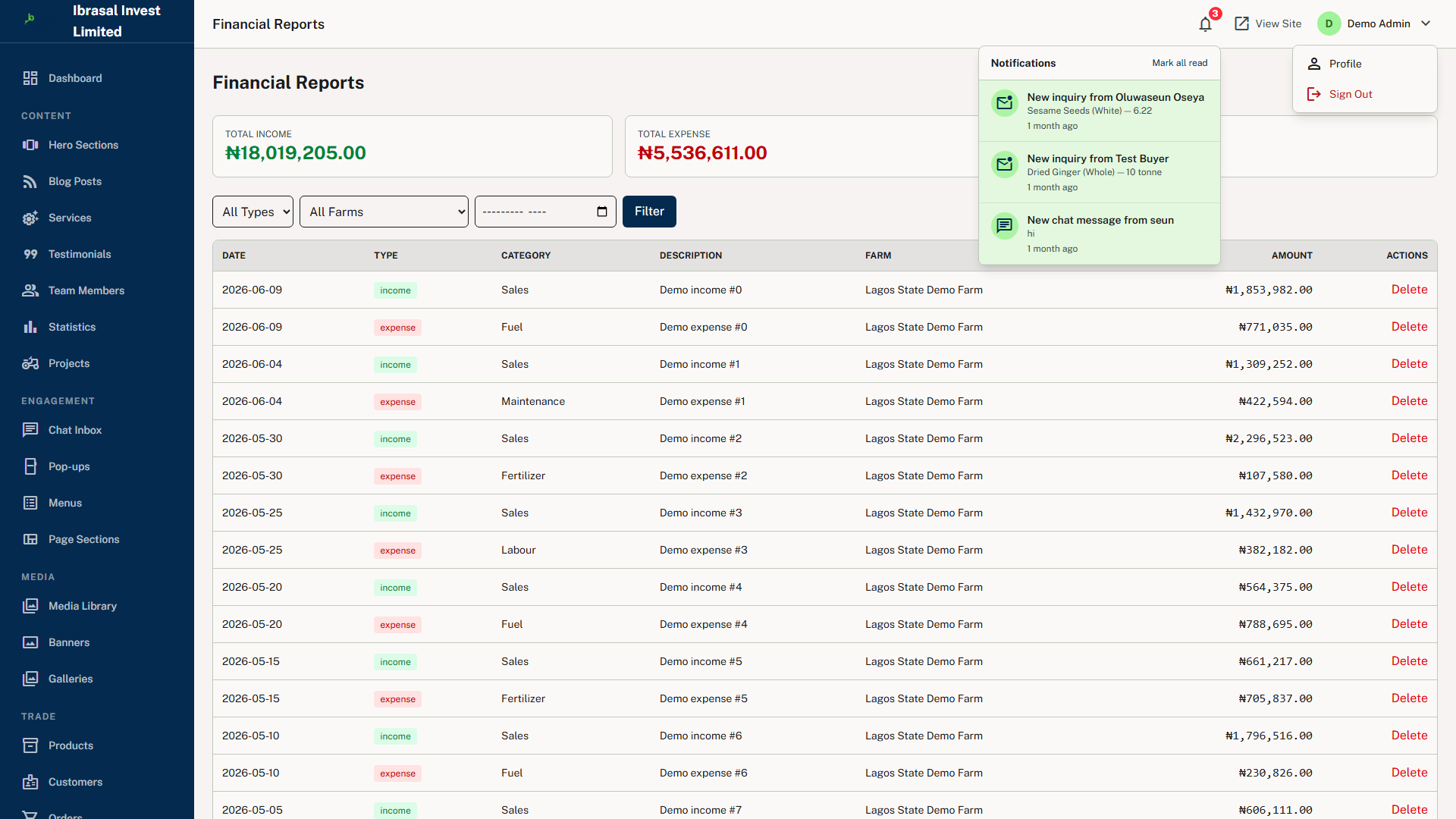


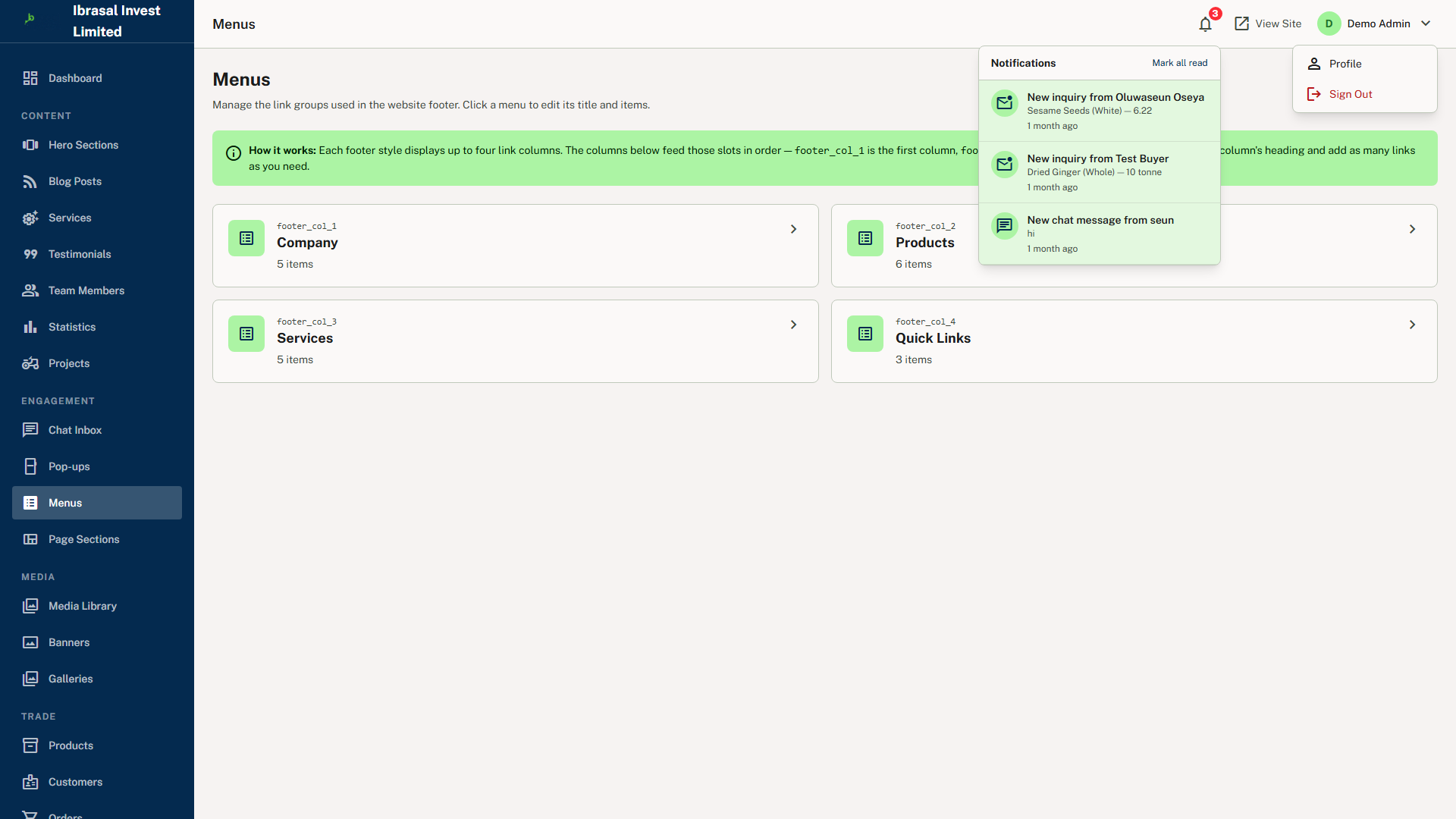




About This App
Ibrasal Invest is a full-featured agricultural commodity export platform built for the Nigerian market on Laravel 13 and PHP 8.3. It acts as a digital bridge between commodity producers, farm operators and export buyers, connecting them through a clean, multilingual web interface backed by a robust back-office administration suite. The platform manages the complete lifecycle of agricultural trade — from product discovery and inquiry, through order processing and fulfilment tracking, to invoicing and receipt — while simultaneously providing farm-level operational tools for crop, livestock, inventory and financial management.
The platform is built for agri-export businesses that need to present a professional marketplace to buyers worldwide while maintaining disciplined internal operations across multiple farm sites. Its primary users are agricultural exporters and commodity trading companies in Nigeria, farm operators who need to manage crops, livestock and field staff digitally, and export buyers seeking a structured platform for placing commodity orders. Beyond those, it serves marketing and content teams managing the public website and blog, finance and operations staff tracking income, expenses and inventory, field workers using the staff portal for daily task management, and end customers placing orders and tracking fulfilment.
What separates Ibrasal Invest from a generic e-commerce tool is the operational depth beneath the storefront. Crop cycle tracking records variety, planted area, planting and harvest dates, status and health per farm. Livestock records hold species, breed, head count and vaccination schedules. Inventory management tracks SKU, quantity, unit cost and reorder levels, flagging items that fall below their threshold. A financial ledger captures income and expense entries per farm with category and reference for audit trails, and a task module assigns work to named staff with priority levels and due dates. The result is a single operational backbone covering production, workforce and sales channels — with no third-party tools required for any stage of the transaction lifecycle.
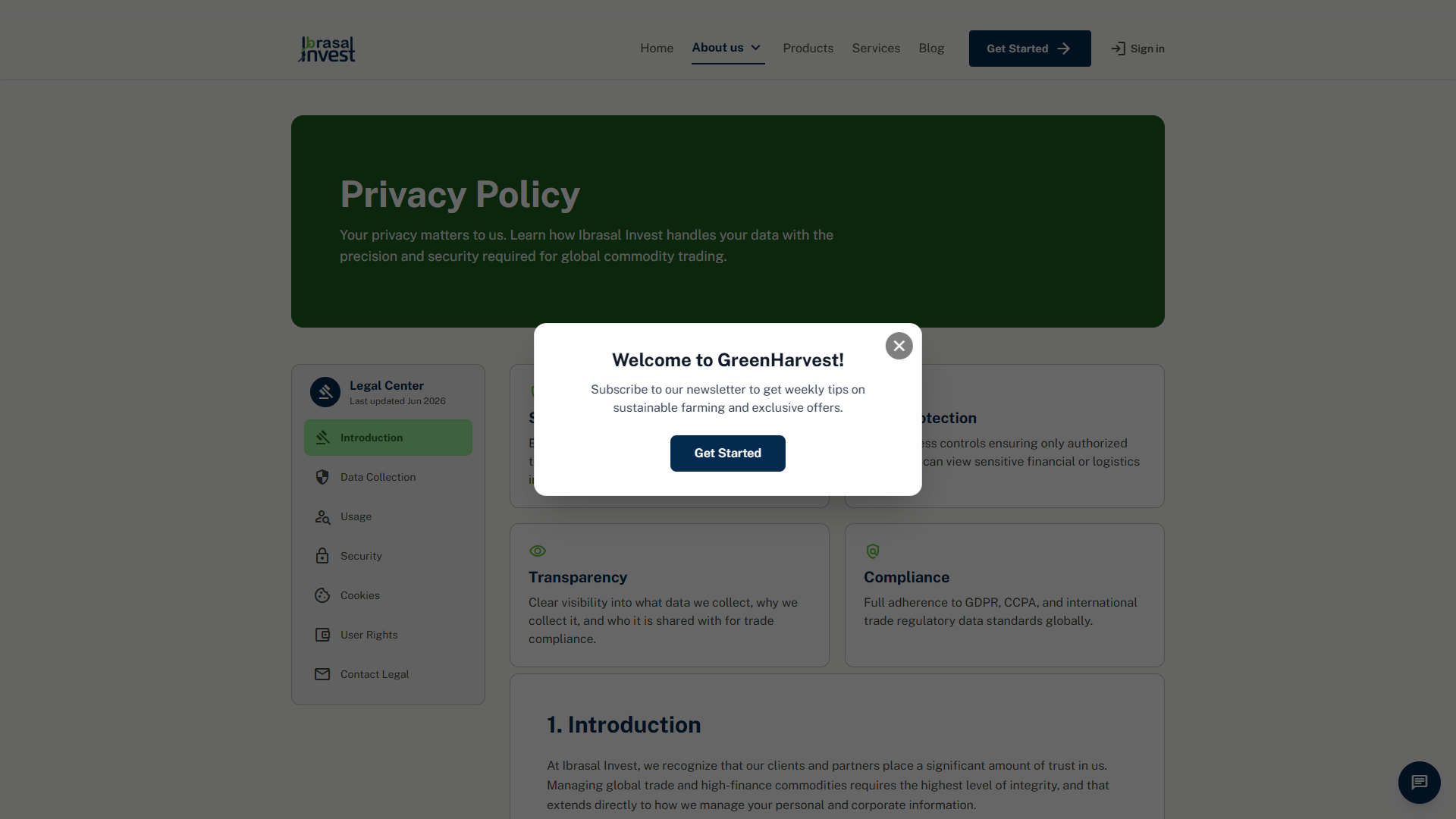
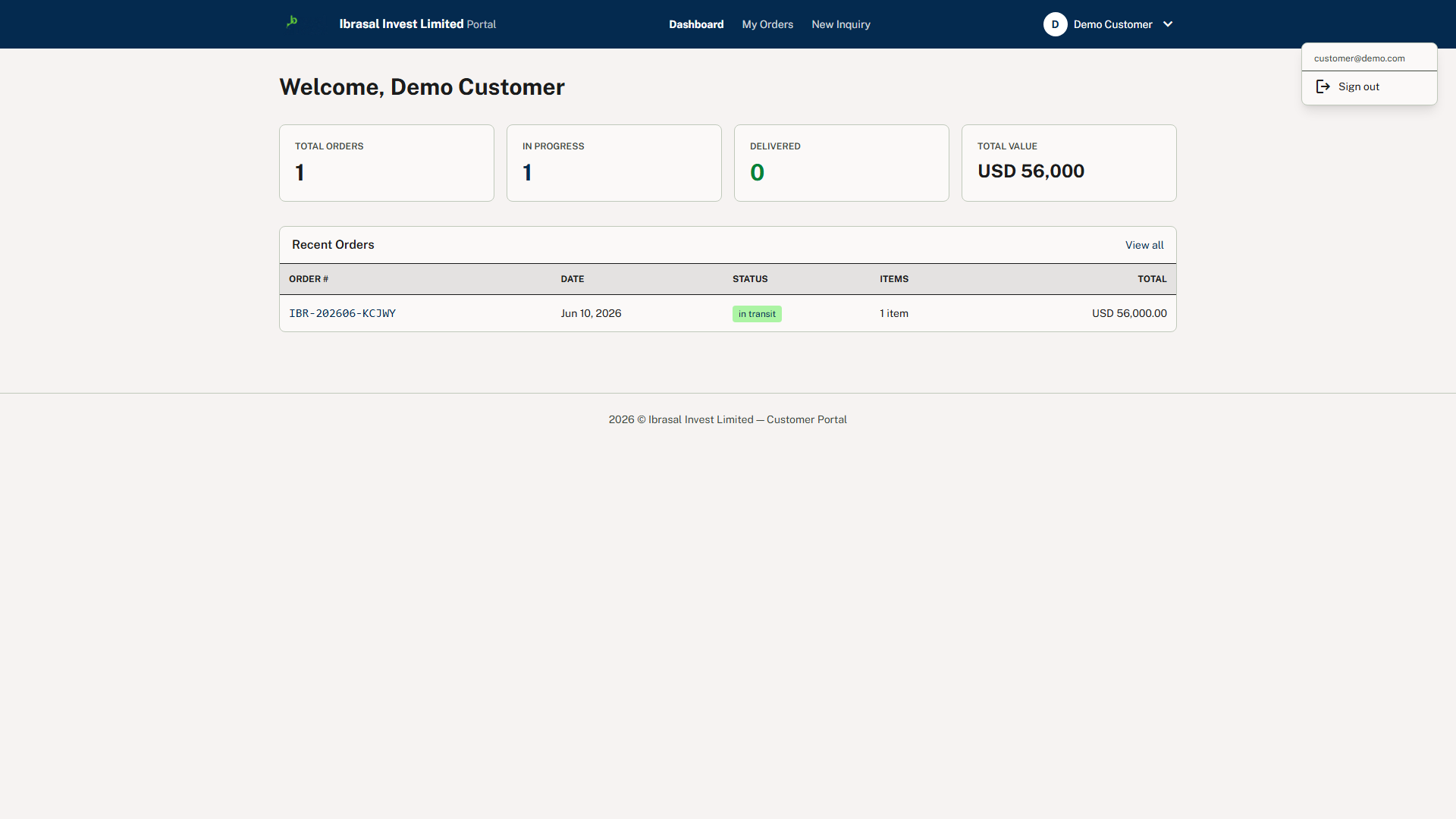
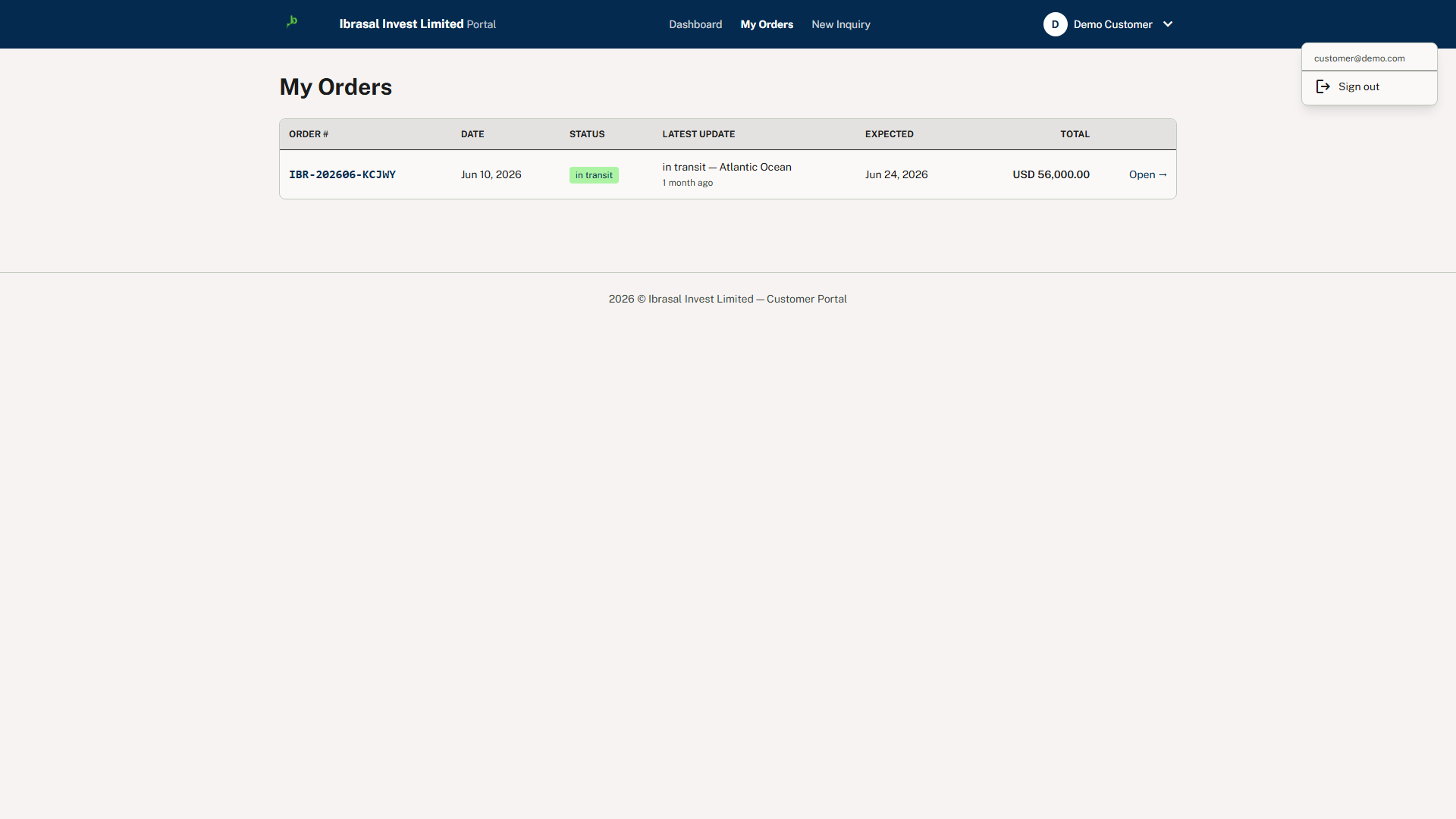
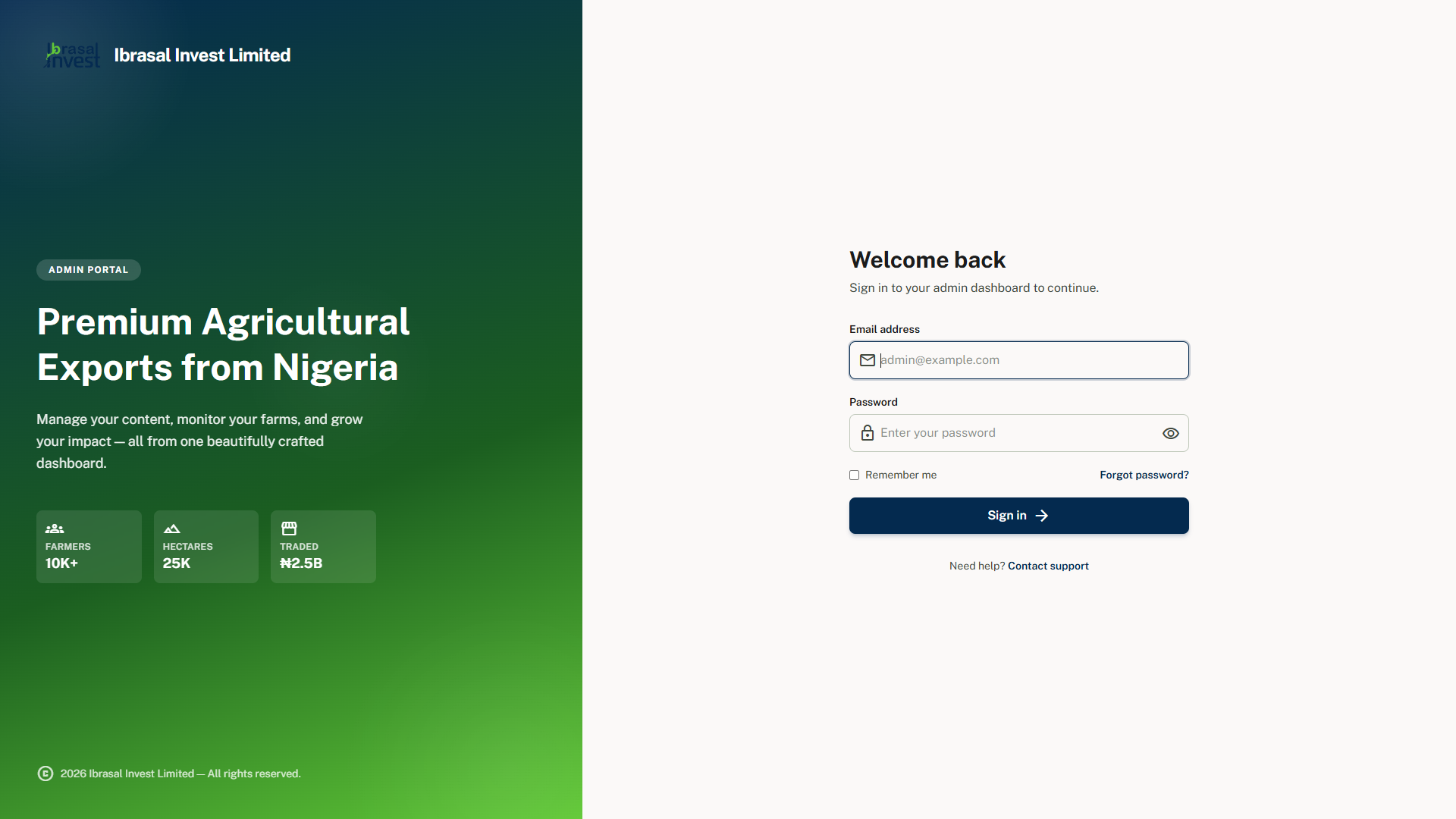
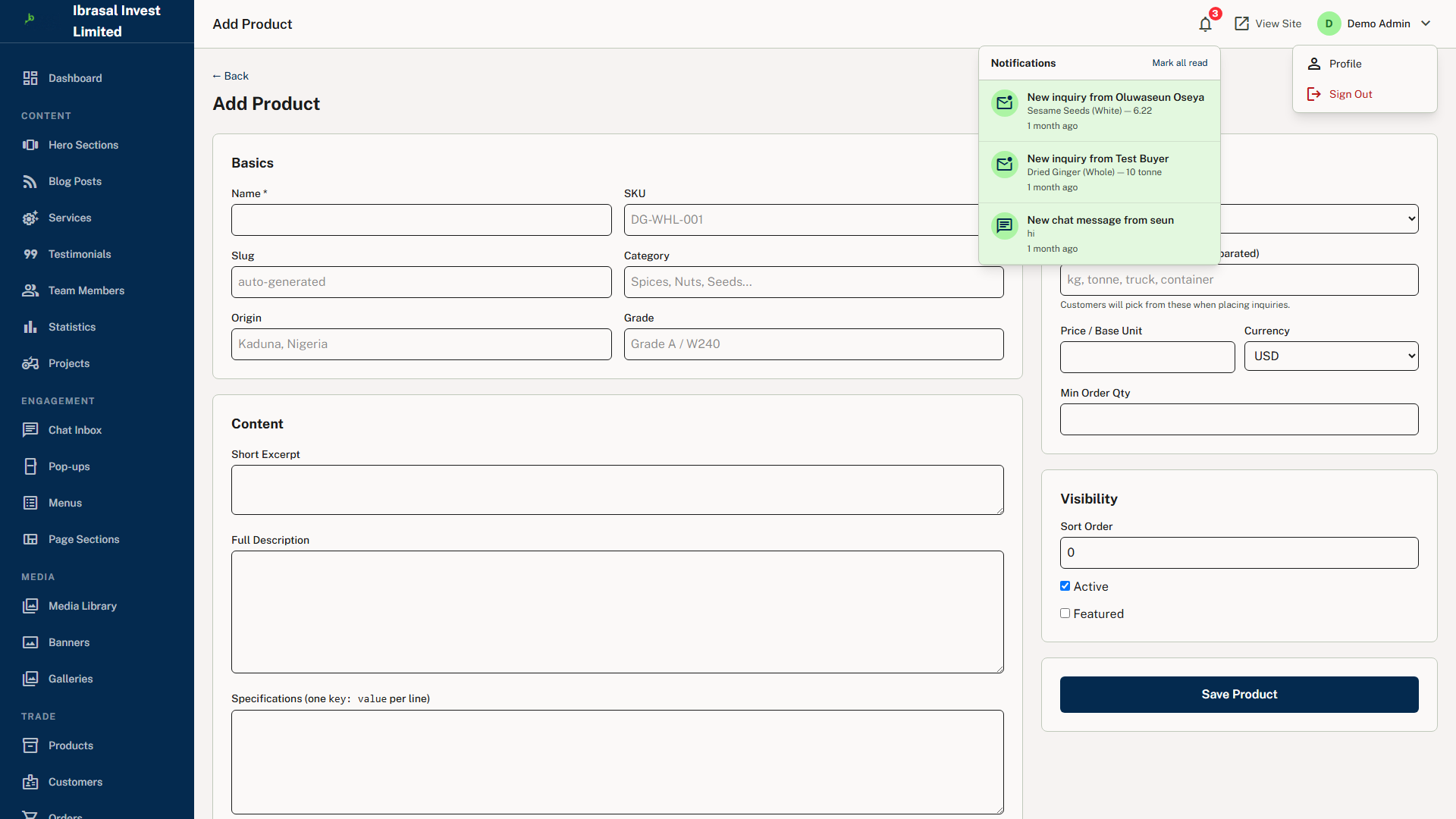
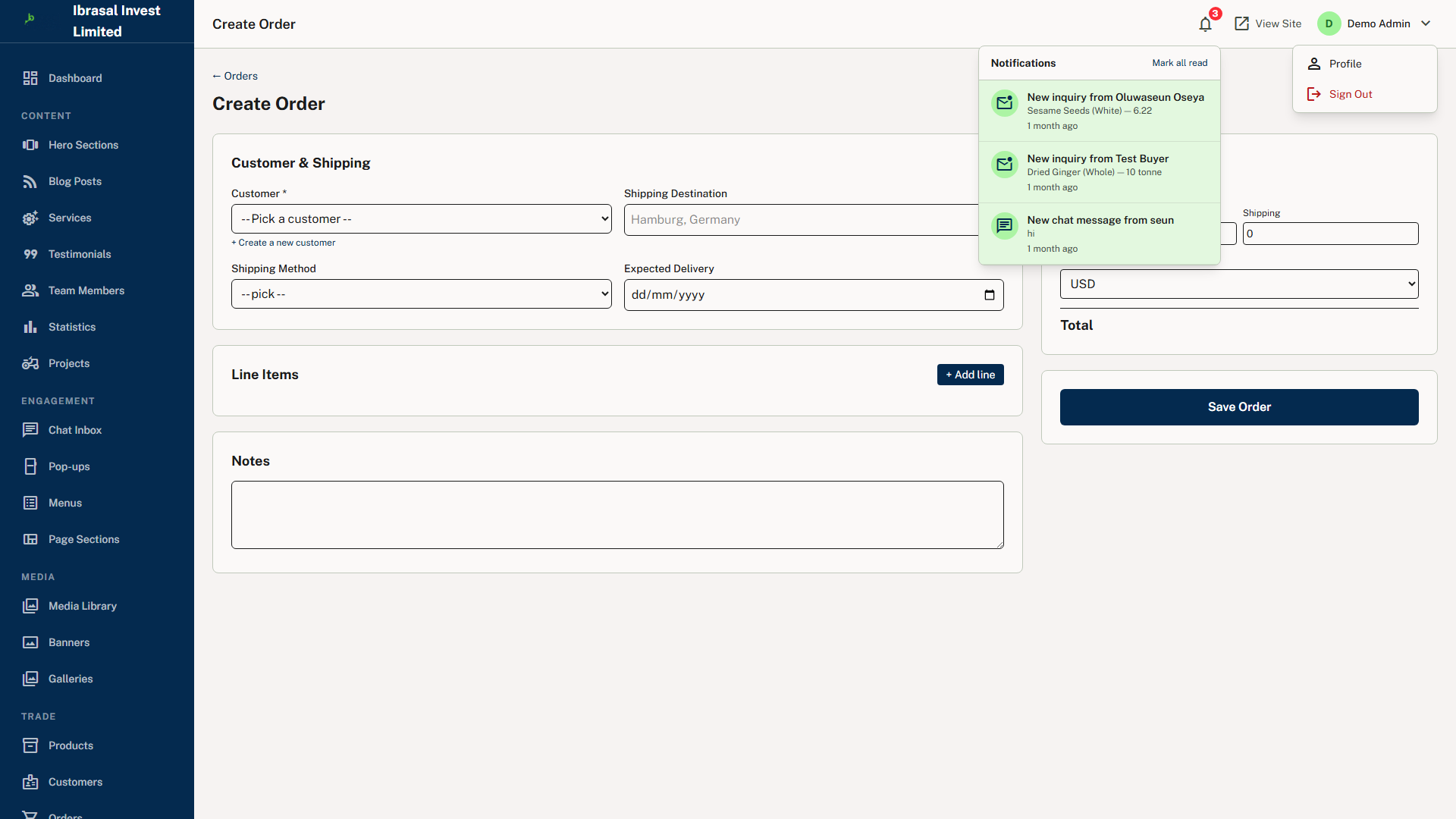
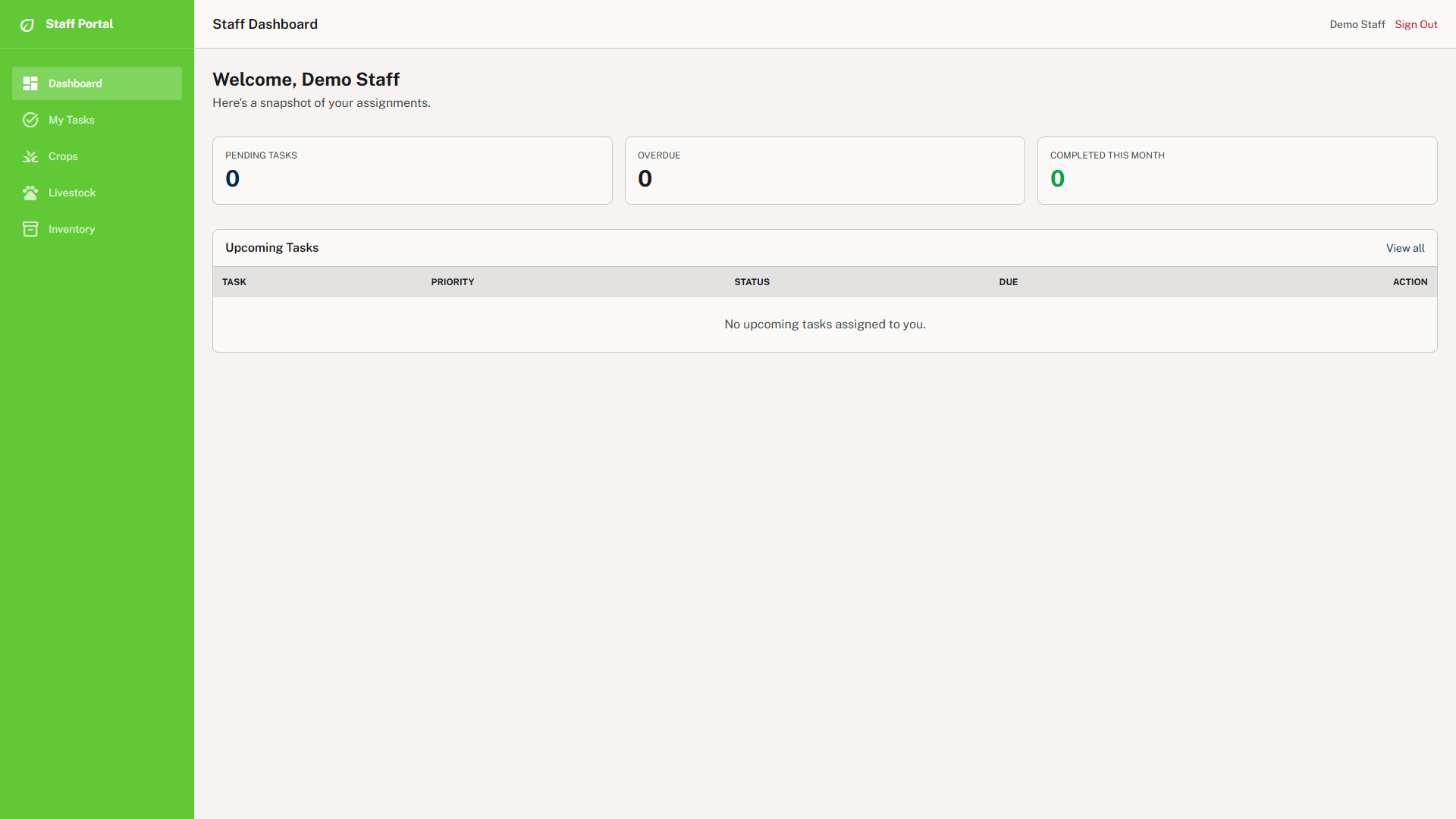
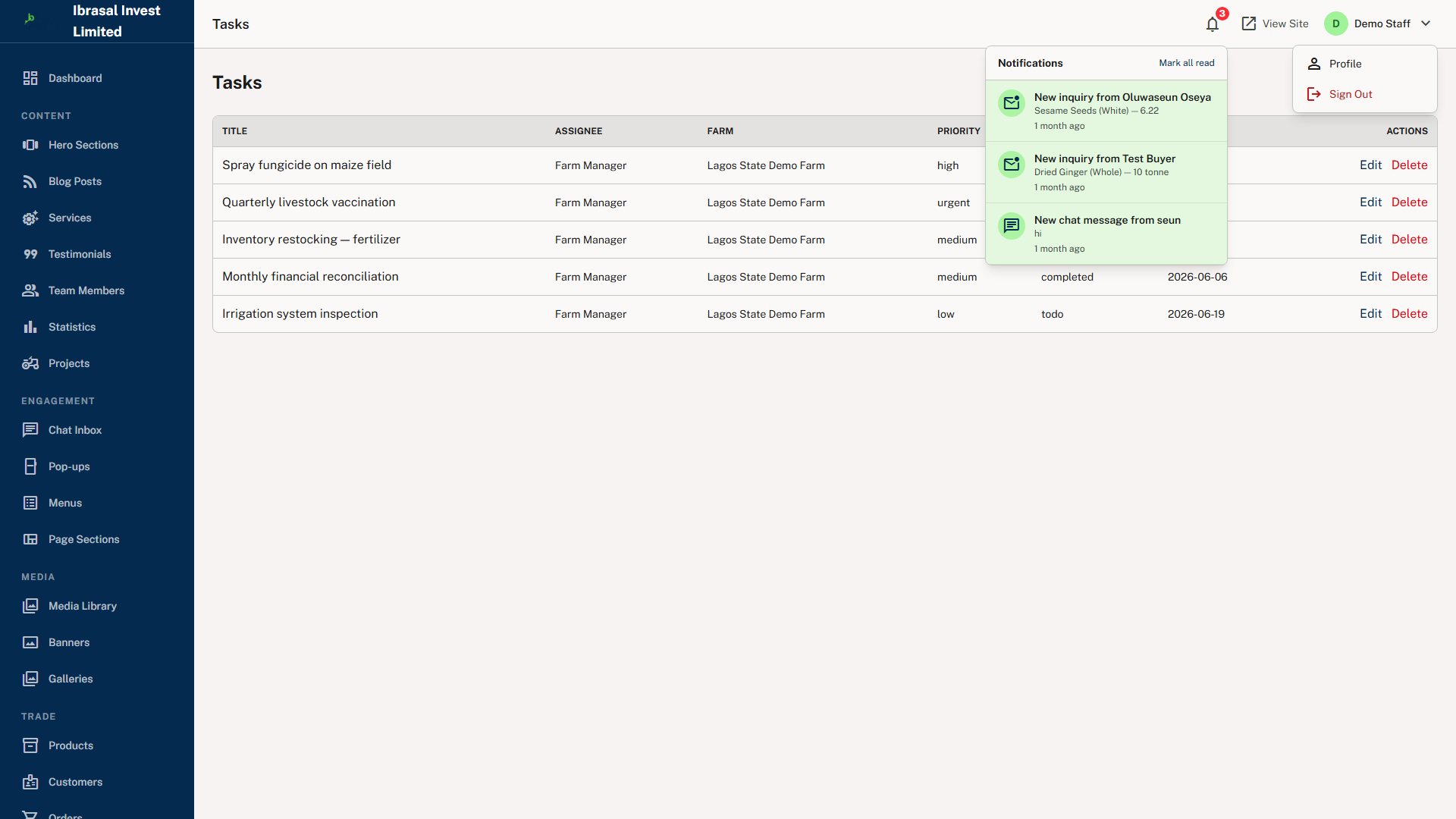
Four distinct surfaces are served from one Laravel application and one relational database. The public website carries the homepage, commodity marketplace, services, blog, About, Our History, Our Team, Contact, Get Started, and legal pages. The admin panel at /admin is the complete back-office suite spanning orders, products, customers, inquiries, farms, CMS content, SEO, users and settings. The staff portal at /staff is a focused operational view for field staff and farm managers, exposing assigned tasks, crops, livestock and inventory without administrative or financial settings. The customer portal at /portal lets registered buyers view order history, track shipments through a visual timeline and print receipts. All four share a single users table with a role column, and access is enforced at the middleware layer by AdminMiddleware, StaffMiddleware and CustomerMiddleware.
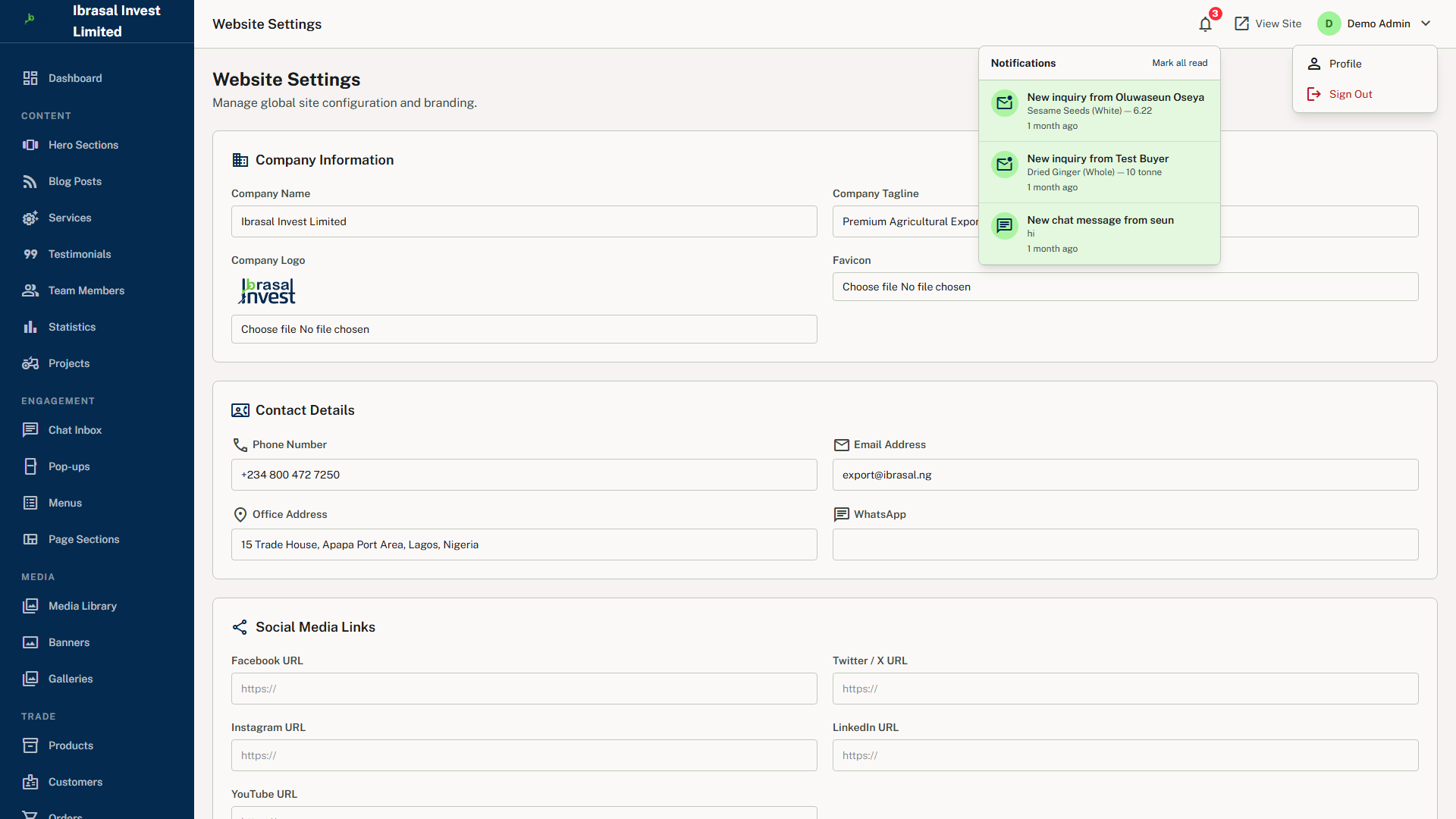
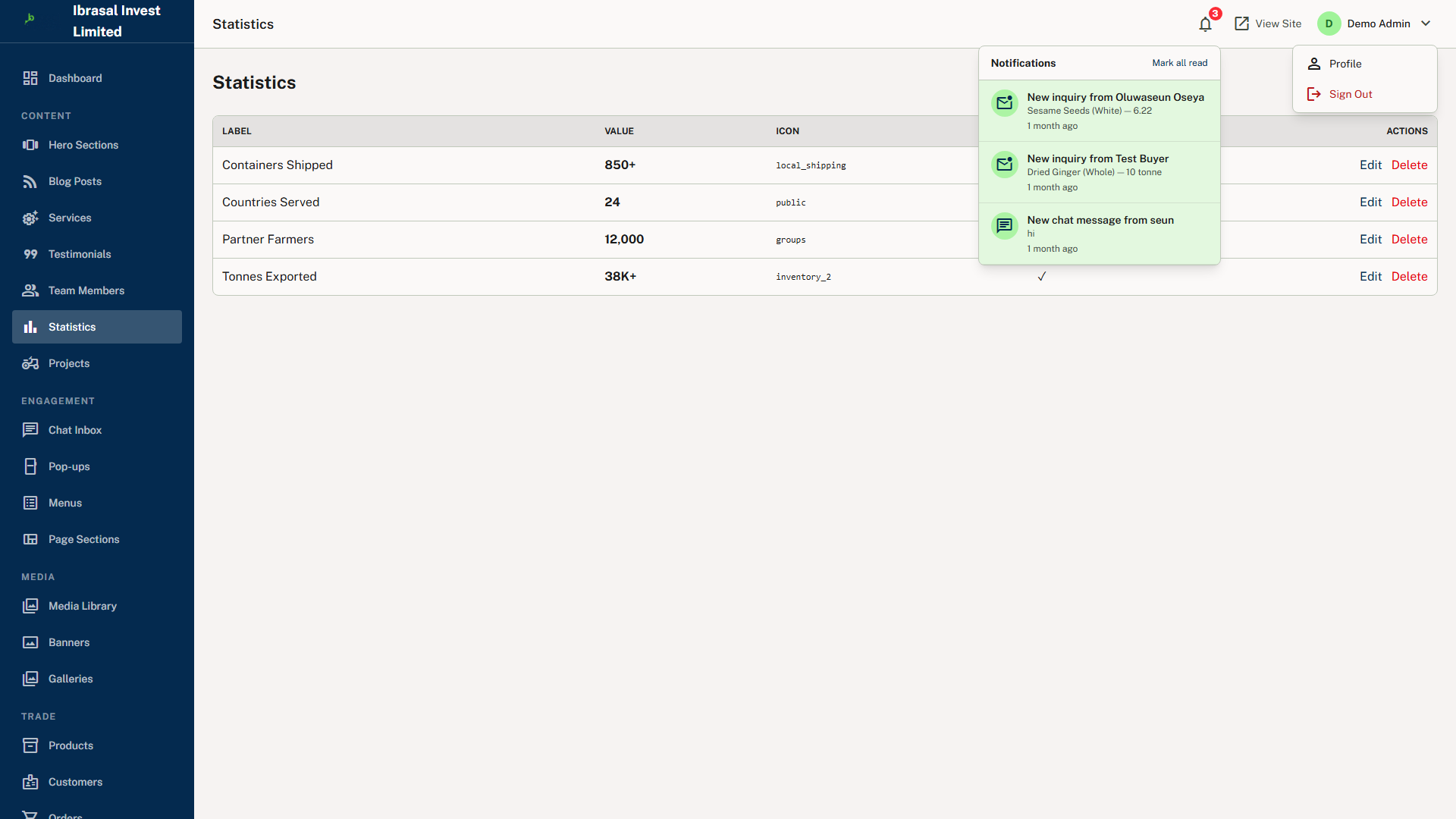
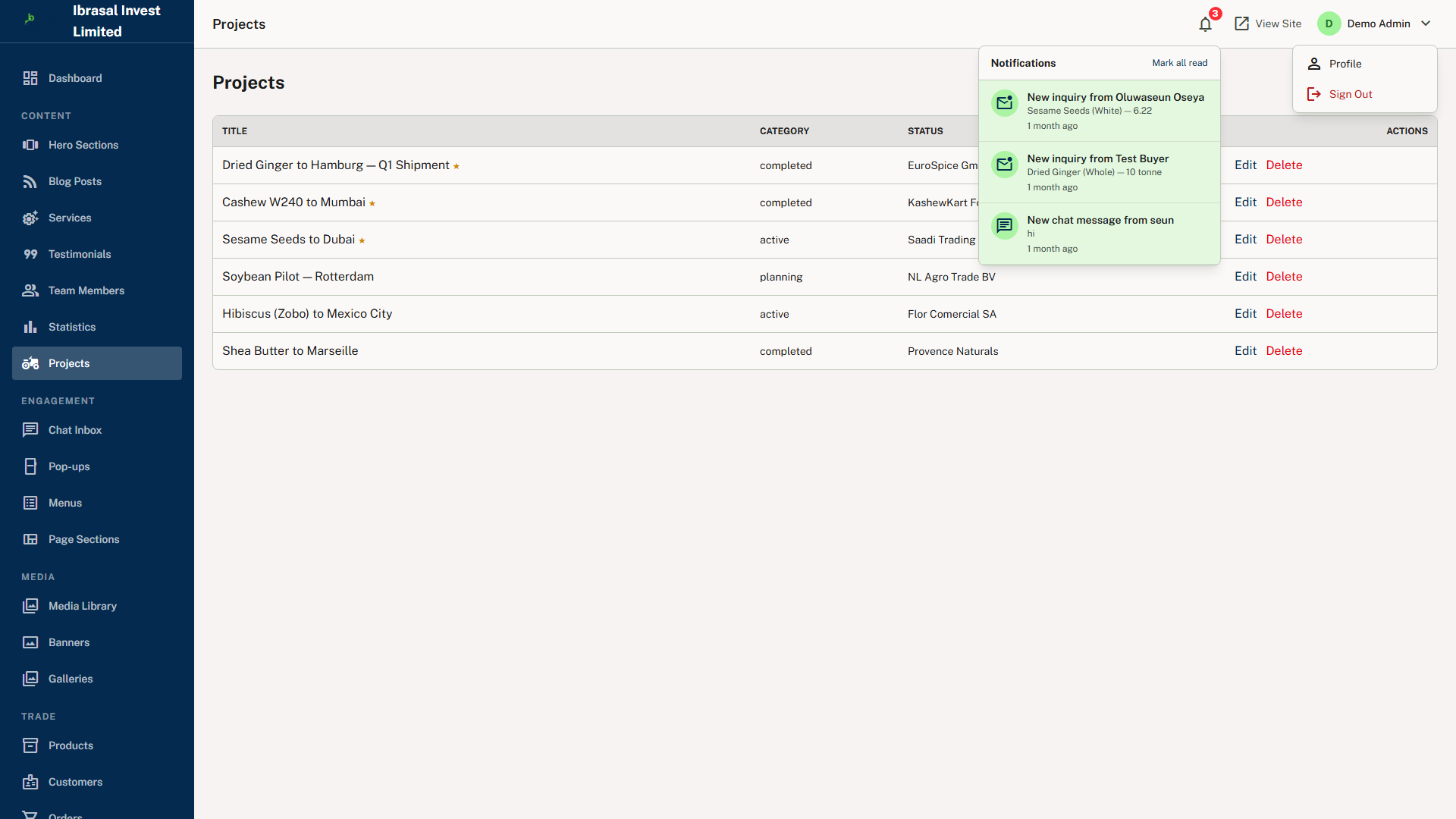
A fully headless CMS layer means non-technical administrators can manage every visible section of the public website without touching code. The Page Builder supports 15+ section types — hero, intro, services, products, stats, testimonials, team, blog, gallery, CTA, text block, image-text, FAQs, partners and more — scoped by page, drag-sortable, and toggleable between published and draft. Alongside it sit a hero carousel manager with per-page scoping, blog, service catalogue, team profiles, testimonials with star ratings, page statistics, project portfolio, promotional banners by placement zone, marketing popups with scheduling and frequency capping, photo galleries, a navigation menu builder with nested items, and a centralised media library that feeds a picker into every image field. Branding and contact details live in a global key/value settings store — company name, tagline, address, phone, WhatsApp and social URLs — cached for an hour and read site-wide through a setting() helper, so a change in the admin panel propagates to every page with no code change or deployment.
Multilingual support in English and French is built in via session-based locale switching, making the platform accessible to buyers from Francophone Africa and Europe, with translation strings held in per-locale directories and a switcher in the public header. A session-based live chat widget connects visitors to admin staff in near real time using long-polling, with no third-party service, no subscription and no external data sharing. Newsletter subscription, a contact form and a Get Started trade inquiry form all raise in-app notifications to a bell in the admin header, so high-value events are acted on quickly.
The public website is fully responsive and built with Tailwind CSS v4, with Alpine.js providing interactivity — carousels, dropdowns, modals, the chat widget and marketplace live search — without a heavy JavaScript bundle; the guides describe no separate native mobile application. Deployment targets standard PHP and Laravel hosting, including shared hosting, VPS, or cloud providers such as AWS or DigitalOcean, with no microservices, containerisation or real-time infrastructure required. The stack remains upgradeable in place: the synchronous queue can move to Redis and Laravel Horizon, file cache and sessions to Redis or the database driver, as traffic grows.
How It Works
1. Admin publishes the catalogue — commodities are created in /admin/products with name, SKU, category, available grades, measurement units, base price and description, with gallery images attached from the media library picker, then set to Published so they appear immediately on the public marketplace.
2. Buyers discover commodities — a visitor browses /marketplace with Alpine.js live keyword search and category filtering that need no page reload, opening slug-based product detail pages, and can switch the site between English and French at any point.
3. Buyers make contact — the visitor either opens the live chat widget, which creates a session-scoped conversation answered from the admin inbox, or submits the Get Started trade inquiry form capturing name, company, email, phone, product interest, quantity and message.
4. The admin is alerted — the submission creates an AdminNotification record and an unread badge appears on the notification bell in the admin header, linking straight through to the new inquiry at /admin/inquiries/{id}.
5. The lead is worked — the admin reviews the full inquiry detail, replies from the admin panel or calls the contact directly, and marks the inquiry responded, under review, or closed.
6. The inquiry becomes an order — once terms are agreed, the admin clicks Convert to Order and a formal Order record is created in Pending status with pre-populated fields and a line-item breakdown of product name, quantity, unit price and line total.
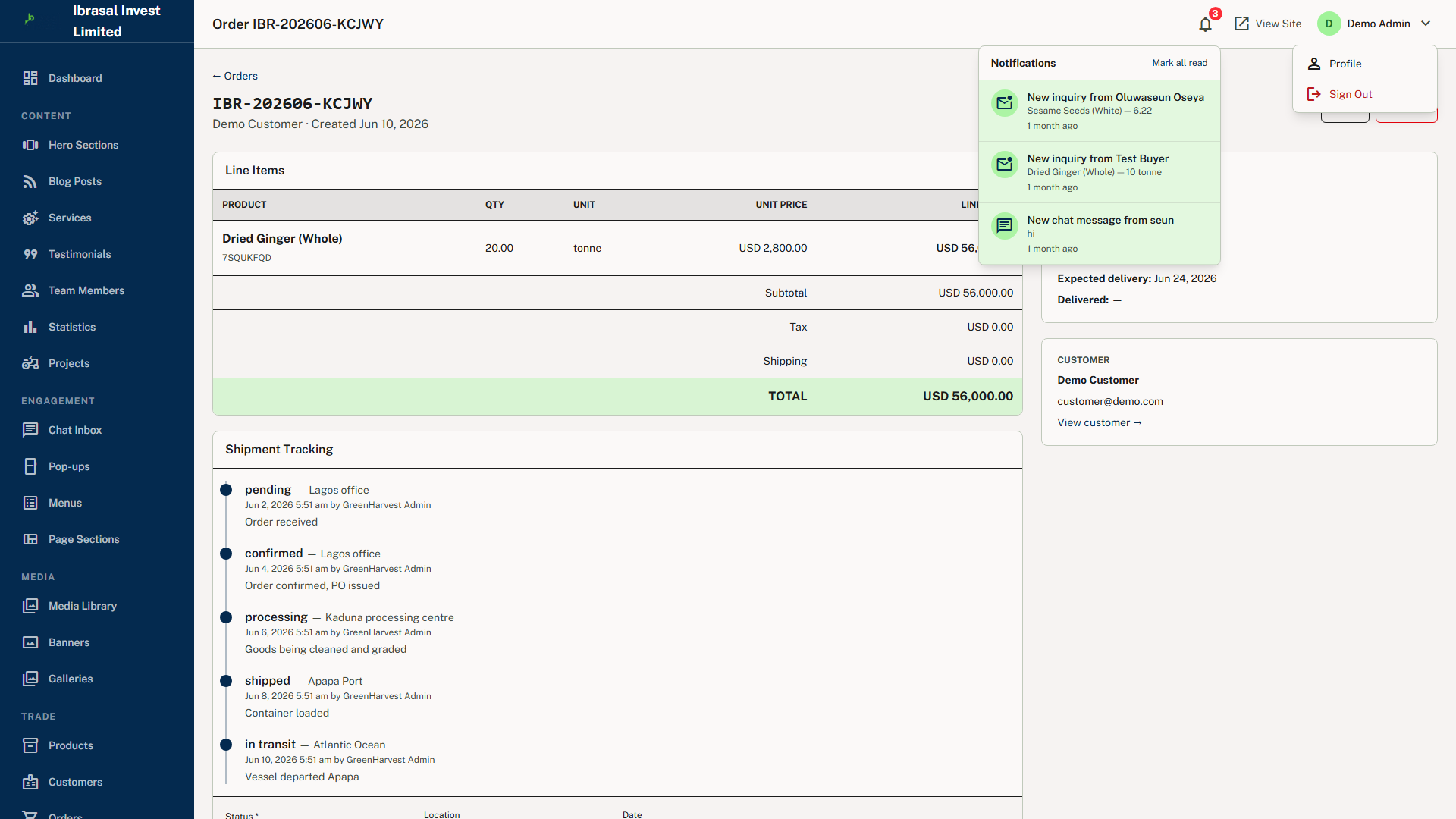
7. The order progresses — the admin advances it through the five-stage lifecycle of pending, confirmed, processing, shipped and delivered, adding notes and appending tracking events that each carry a timestamp, status label and physical location such as "Departed Lagos Port".
8. The customer self-serves — the buyer logs in at /login, is redirected by role to /portal, and sees only their own orders, following the visual tracking timeline through every status transition and printing a formatted receipt for their records.
9. Operations run in parallel — farms are registered with location, area and soil type and assigned a staff manager; crops, livestock, inventory and financial records hang beneath each farm; the admin assigns tasks with priority and due date, and staff log into /staff to update task status, crop health, vaccination records and stock quantities from the field.
10. Marketing keeps the site current — hero slides, page sections, blog posts, testimonials, banners, popups and per-page SEO meta are edited in the admin panel and published on the spot, with no developer involvement and no deployment.
Let's Build Your Business Solution
Transform your operational efficiency with SENUX. Our experts are ready to map your requirements to a powerful architecture.
Frequently Asked Questions
What exactly is Ibrasal Invest?+
It is a full-featured agricultural commodity export platform built for the Nigerian market on Laravel 13 and PHP 8.3. It serves as a digital bridge between commodity producers, farm operators and export buyers, providing a structured online marketplace where agricultural products can be listed, discovered and ordered — and it goes well beyond a simple e-commerce tool by integrating farm management, crop and livestock tracking, inventory control, financial records and staff task management into the same platform.
Who is the platform designed for?+
Its primary users are agricultural exporters and commodity trading companies in Nigeria, farm operators who need to manage crops, livestock and field staff digitally, and export buyers seeking a structured platform for placing commodity orders. Secondary users include marketing and content teams managing the public website and blog, finance and operations staff tracking income, expenses and inventory, field workers using the staff portal for daily task management, and end customers placing orders and tracking fulfilment.
How is this different from a standard online store?+
Two things. First, the entire transaction lifecycle — public product discovery, order placement, fulfilment tracking and customer receipt — is managed in one system with no third-party tools required. Second, unlike generic e-commerce tools it includes crop cycle tracking, livestock records, inventory management and staff task assignment, all purpose-built for agricultural operations and organised beneath each farm as the top-level unit.
What are the portals, and how is access controlled?+
There are four surfaces: the public website at /, the admin panel at /admin, the staff portal at /staff and the customer portal at /portal. All are served from one Laravel application using a single users table with a role column. Access is enforced at the middleware layer by AdminMiddleware, StaffMiddleware and CustomerMiddleware, each of which checks authentication and role on every request. Within the customer portal, queries are additionally scoped to the authenticated user's own ID so no buyer can see another's orders. Admin users are not granted staff portal access by default.
Can our marketing team update the website without a developer?+
Yes — that is a core design goal. The admin panel includes a Page Builder with 15+ section types, a hero carousel manager, blog, services editor, team profiles, testimonials, stats, projects, banners, popups, galleries, a menu builder, a centralised media library and per-page SEO tools. Sections can be drag-sorted and toggled between published and draft. Global details such as the company phone number or social URLs live in a cached key/value settings store, so a single change in the admin panel propagates to every page with no code change or deployment.
Does the platform support more than one language?+
English and French are supported out of the box via a session-based locale switcher in the public website header, positioning the platform for Francophone West African and European buyers. Translation strings live in per-locale directories under resources/lang/ and are accessed in templates through Laravel's translation helpers. Adding a further language means creating a new locale directory, copying and translating the English files, and adding the code to the switcher's options.
How does the live chat work — does it need a third-party service?+
No third-party service is involved. A visitor opening the chat widget on any public page automatically creates a session-scoped conversation. Messages are stored in the platform's own database and the visitor's browser long-polls for new replies every few seconds, so admin responses sent from the /admin/chat inbox arrive in near real time. This requires no WebSocket server and no subscription, keeps the app deployable on standard hosting, and eliminates third-party data sharing. Admins can close resolved conversations and reopen them later.
How do buyers track their orders?+
Every order moves through a five-stage lifecycle — pending, confirmed, processing, shipped and delivered. As the shipment progresses, the admin appends tracking events, each with a timestamp, status label and physical location. Registered buyers log in to the Customer Portal, where they see their full order history, a visual tracking timeline showing each status transition with date and location, and a printable receipt containing the company header, order summary, line items and totals — all without contacting the company.
What does the platform need to run, and will it scale?+
It runs on standard PHP and Laravel hosting — shared hosting, VPS, or cloud providers such as AWS or DigitalOcean — with no microservices, containerisation or real-time infrastructure required. Recommended production specification is PHP 8.3 (8.2 minimum), Composer 2, Node.js 22 LTS, MySQL 8.0+, and Nginx with PHP-FPM, from 2 GB RAM upwards. It is designed to upgrade in place as traffic grows: the synchronous queue can move to Redis with Laravel Horizon and Supervisor, file cache and sessions to Redis or the database driver, and a CDN can be placed in front of static assets. Performance work is already built in through eager loading, pagination on all list views, route, config and view caching, and a Tailwind JIT build that typically keeps CSS under 30 KB gzipped.
How is the platform secured?+
Role middleware guards every portal request and portal queries are scoped to the authenticated user's ID to prevent one customer reading another's data. CSRF protection applies to all state-changing requests, passwords are hashed with bcrypt and reset through Laravel's token-based flow, and every model uses explicit fillable arrays with all form input validated before persistence. Uploads are checked by MIME type and extension, stored outside the web root and never executed, with executable file types rejected. All database access uses parameterised Eloquent bindings rather than raw SQL, and Blade escapes output by default — unescaped rendering is limited to CMS content authored by authenticated administrators. The delivery guides also include a production hardening checklist covering debug mode, default credentials, firewall rules, TLS renewal and offsite backups.
Request This App for Your Business
Tell us your details and we'll send full information, pricing and next steps shortly.
From our Blog
View all →
AI Won't Replace Your Business — But Your Competitor Using AI Might | Senux
The threat was never the machine. It is the business down the road answering enquiries in under a minute while you sleep. Walk the response-decay track, flip the switchboard, and see the gap in real numbers.
The Hidden Cost of Ignoring Website Maintenance
Website neglect never sends an invoice. Scrub through 24 months of drift, watch the cumulative cost lines cross, and read the six costs that never appear on any bill.
Is Your Website Really Secure? Here's How to Find Out | Senux
Most hacked websites look completely normal. Walk the seven ways in, watch the breach clock run, and run the 12-point inspection on your own site in about twenty minutes.
Your Website Should Be Your Best Employee
Your website works 720 hours a month and never takes leave. Here is the job description, a six-question appraisal you can score right now, and what it really costs.

5 Business Tasks You Should Never Do Manually Again
Data entry, invoice chasing, booking, reporting and onboarding quietly eat 7.6 hours a week. Here are the 5 tasks to automate first — and how Senux builds it.
You Don't Need an Email Automation Subscription
Email platforms bill you for contacts you already own. Senux builds scheduled sends, trigger sequences and reports into your dashboard — no monthly fee.
Stop Paying Employees to Do Repetitive Tasks
Your team loses about 7.6 hours a week to repetitive work — while you rent 25 subscriptions. Senux builds automation you own outright, with no monthly fees.
If Your Website Is WordPress, You're Missing a Lot
WordPress runs 41.5% of the web — and 13,000 sites are hacked daily, 91% through plugins. Here's what that really costs your business, and what Senux builds instead.
Do You Have a Backup for Your Website? If Not, You're at Risk
One bad update, hack, or server failure can erase your website overnight — and 60% of small businesses hit by major data loss close within 6 months. See why a backup isn